
 Overview of the content tree
Home
Use the Home section to edit the home page using a number of different widgets and customization options, and control what appears on the navigation bar.
Header
The Header view lets you add content to three main sections: Top, Left, and Right.
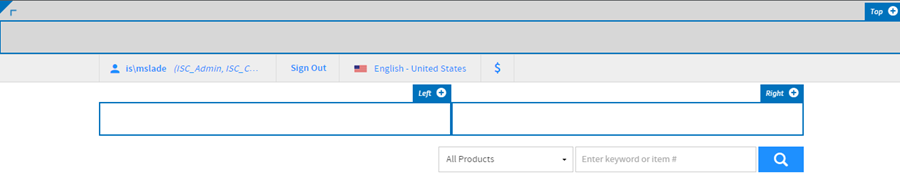
Each of these sections can be customized to the content that you wish to show by clicking the plus sign in the upper-right corner of the content area.
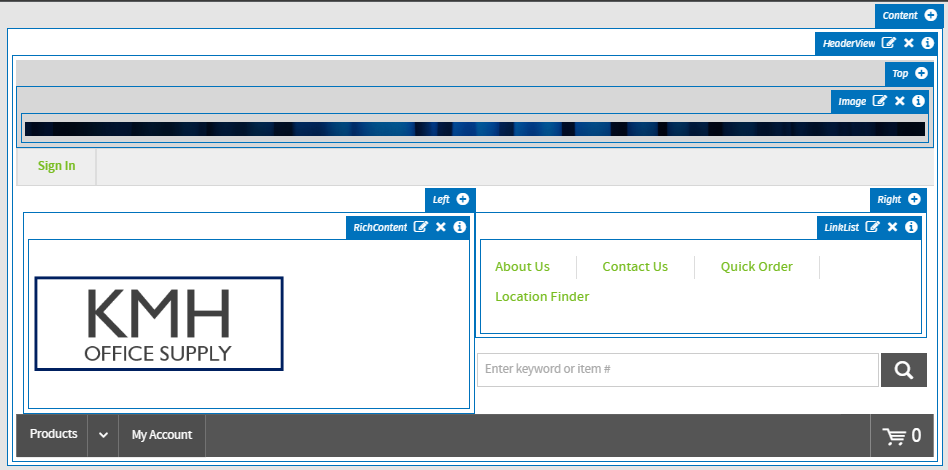
The Header exists as its own widget. Customize content by clicking the plus sign in the upper right corner of the content area.
Footer
The Footer view lets you add widgets to the footer.

This enables you control over the look and feel of your footer by clicking the plus sign in the upper-right corner of the content area.
Predefined content
Predefined Content are CMS pages that come standard with an InsiteCommerce implementation. Access Predefined Content pages under the Home header.
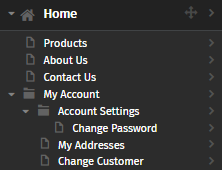
If the Edit function is selected, click the chevron to the right of the page and select Edit Page to edit the page's summary and metadata. Or, click the page title to edit the widgets on the page.
 Need help?