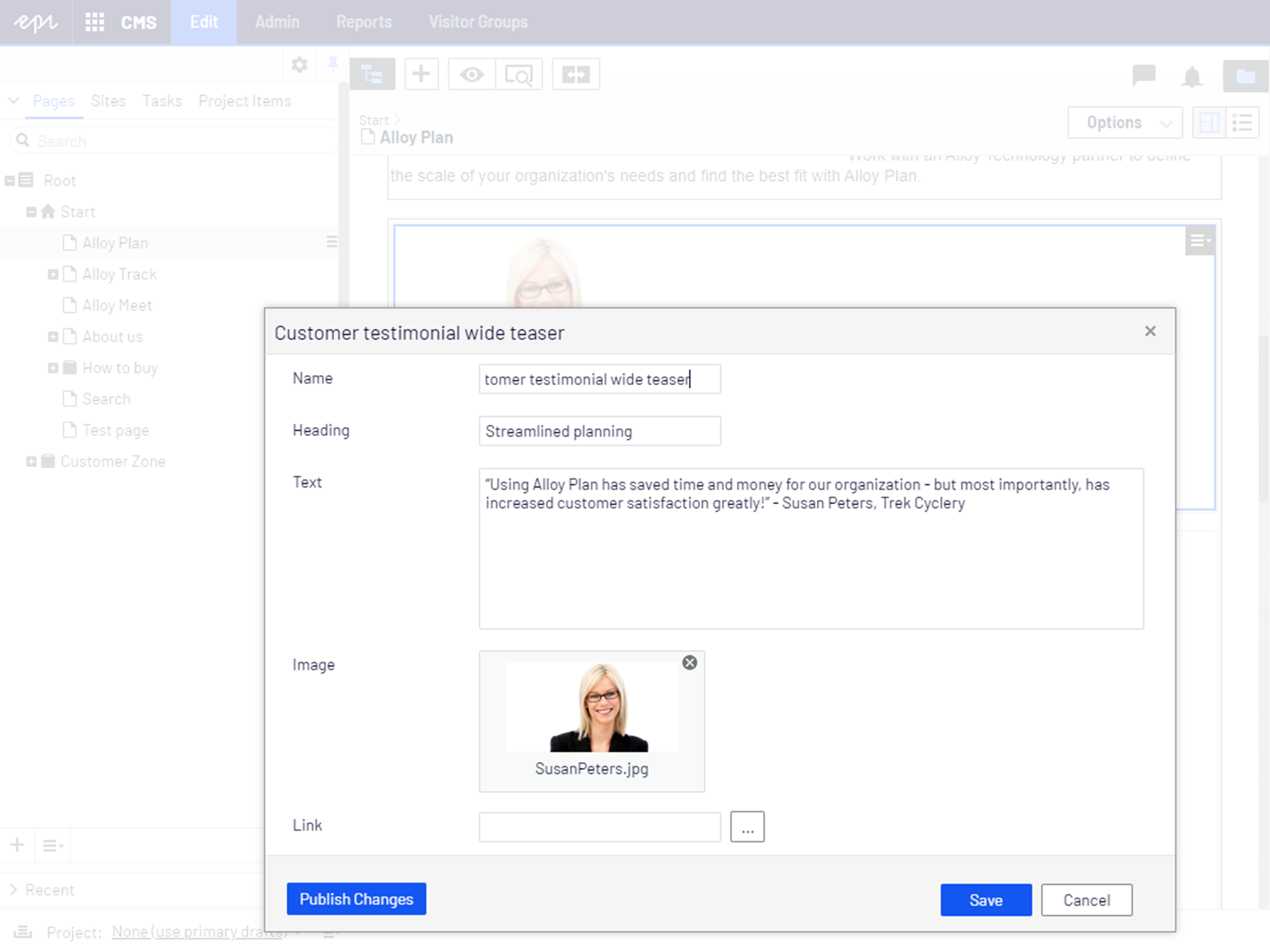
The easiest way of editing blocks is using the Quick edit view. It lets you see all relevant block properties in one dialog box and you do not have to leave the current context. When you edit a block without an approval sequence, you can also publish the block directly from the Quick edit view.
To open the quick edit view, select Quick Edit from the block's context menu.