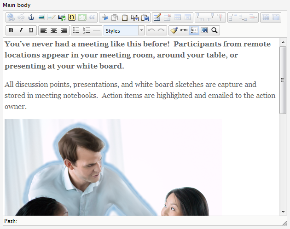
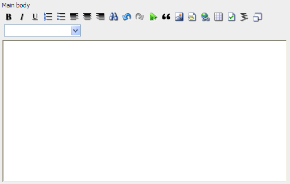
The editor in EPiServer CMS is where you enter much of the information of the web page, such as text content, formatting, images, tables and links to other pages or documents.
In View mode, you have also the On-Page Editing option on right-click for quick changes directly on the page, see "Edit Using the Right Mouse Button".
To find out which Editor you are using on your website, open a page type where you have an Editor area available. In a standard installation, these will be the main and secondary bodies in the page type called Standard page. Compare what you see with the descriptions in the following. The buttons in your implementation may differ from what you see here.
Last updated: 2011-03-25 | Copyright © EPiServer AB
 TinyMCE (EPiServer CMS 6)